Advanced results with beginner’s knowledge
EbooksWriter is not only a fully visual application, it also has a visually pleasing front-end. Styles, colored tables, maps, mouse-over changing images, sounds, frame-sets, slides, pop-up windows, and literally hundreds of functions are all clearly available and may be used with ease. The sophisticated environment shields you from the complexities of any coding languages. The interface is extremely powerful, while being no more complex than your usual word processor.
All features are available with a click or two of the tool buttons.
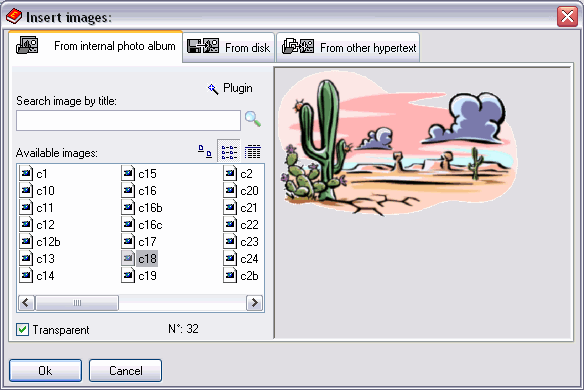
This example demonstrates the image insertion window:
The image insertion window: note that you can quick reuse the images yet used in your current ebook/hypertext
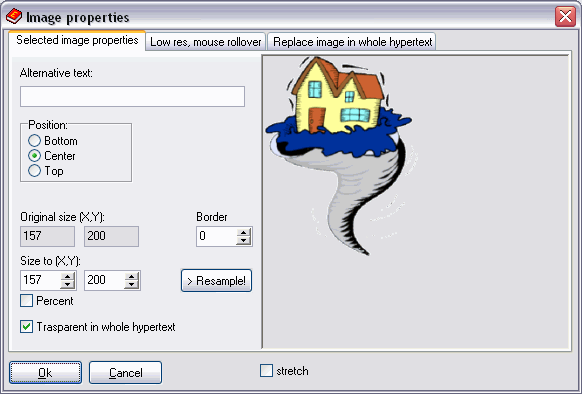
The image properties window; you can set a mouse-over image here (Image >Properties)
Other VisualVision good programs:
|
The professional fast and easy e-book creator builder compiler protector software - the great program for creating building making good ebooks
|