How to publish a CD, 2
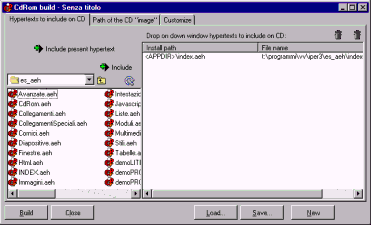
Have you found es_aeh? The window should look as follows:
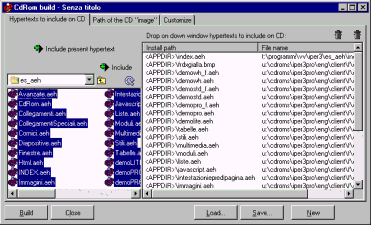
Drag all the hypertexts on the left and drop them on the right. Then you'll have:
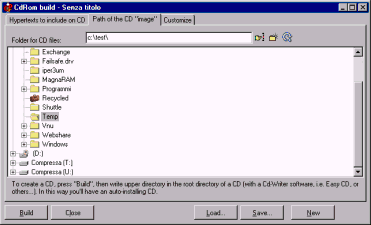
Now choose the “Path of the CD image” tab, and choose a directory where to save the CD image (i.e. the set on files you will copy on the CD). For example choose C:\test.