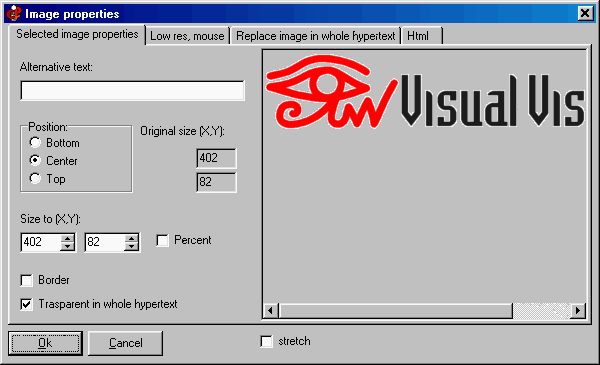
You can edit image properties with the “Image” menu (select an image to see it), or with the right mouse button, or with the image toolbar. To edit / add / define links for "hot spots" use the right mouse button on any image. Click on the image to get Help:
Do you have a precise and constructive suggestion on how to improve this page with more clear instructions / detail?
Contact us!